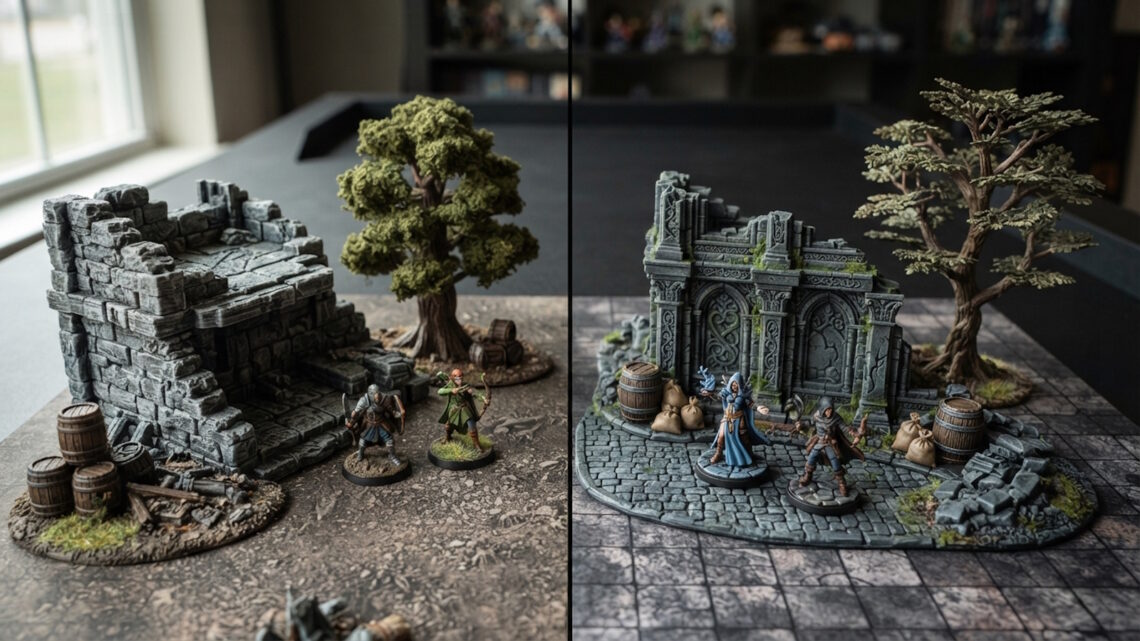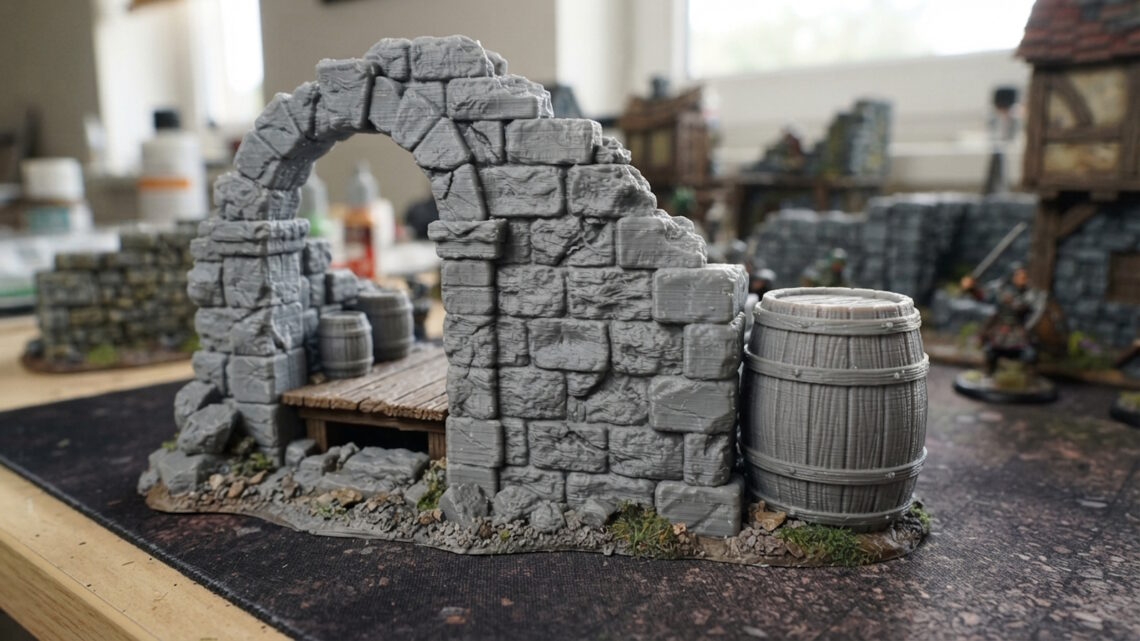
If you have ever looked closely at a 3D printed model and noticed faint horizontal lines across the surface, you have seen layer lines. They are one of the most recognisable characteristics of FDM 3D printing, and they are particularly noticeable on larger or smoother pieces of tabletop terrain.
For some people, layer lines can initially look like a printing problem. However, they are usually a normal result of how FDM printing works. The important question is not whether layer lines exist, but how visible they are and whether they affect the finished terrain.
Understanding why they happen can help you choose appropriate print settings, prepare terrain for painting and decide when a slightly textured surface is perfectly acceptable.
What Are Layer Lines?
FDM 3D printers create objects by depositing melted filament one layer at a time.
Instead of producing the entire object simultaneously, the printer gradually builds it upwards. Each layer is extremely thin, but the boundary between one layer and the next can sometimes remain visible.
These boundaries are what we commonly call layer lines.
Their appearance depends on several factors, including the layer height, model shape, printer settings, filament and orientation of the model.
On tabletop terrain, layer lines are often less noticeable than they would be on a highly detailed display model because terrain is normally viewed from a reasonable distance during a game.
Why Are Layer Lines More Visible on Some Terrain?
Not every part of a model shows layer lines equally.
A large, flat vertical wall may make them relatively easy to see because there is a consistent surface extending across many layers. A heavily textured tree trunk, ruined wall or pile of logs may disguise them much more effectively.
Curved surfaces can also reveal the individual steps created by the layers.
For example, a rounded barrel may show subtle horizontal lines around its sides, while the rough wooden texture of a crate may make those lines much less obvious.
Lighting also makes a difference. Strong light coming from the side can emphasise small changes in surface height that might barely be visible under normal tabletop lighting.
Layer Height Makes a Big Difference
One of the biggest factors affecting layer lines is layer height.
A thicker layer means the printer makes fewer passes to complete the model. This can make printing faster, but the individual layers can be easier to see.
A smaller layer height creates thinner layers and generally produces a smoother vertical surface.
There is a trade-off, though.
Reducing layer height increases the number of layers required to print an object, which can increase print time considerably.
For tabletop terrain, extremely small layer heights are not always necessary. Terrain is designed to be used on a gaming table rather than inspected from a few centimetres away.
A sensible layer height can therefore provide a good balance between appearance, strength and production time.
Model Orientation Matters
The way a model is positioned on the build plate can affect the appearance of its surfaces.
A feature that is vertical in the printer may show its layer boundaries differently from a feature angled across several layers.
Orientation also affects support requirements, overhangs and the direction of visible surfaces.
For terrain designers and printers, choosing an appropriate orientation can therefore be just as important as simply choosing a smaller layer height.
The best orientation is not always the one that produces the shortest print. It can be the one that gives the best combination of surface quality, strength and reliable printing.
Printer Settings Can Affect Surface Quality
Layer lines are also influenced by the printer’s settings.
Factors such as extrusion, temperature, cooling, speed and acceleration can all affect how consistently material is deposited.
If the printer is not extruding consistently, surfaces can develop additional imperfections that are more noticeable than normal layer lines.
Good calibration helps ensure that the printer is producing the layers it is supposed to produce.
This is one reason why a well-maintained printer and a carefully developed printing profile can make a noticeable difference to finished terrain.
Layer Lines Are Not Necessarily a Defect
It is important not to confuse normal layer lines with a failed print.
A properly printed FDM model can have visible layers and still be perfectly suitable for tabletop gaming.
In fact, many terrain pieces benefit from a slightly rougher appearance.
Wooden crates, tree bark, fallen logs, rocks and ruined masonry are naturally textured surfaces. Small variations in the printed surface can therefore become part of the overall appearance.
Once the terrain has been primed and painted, layer lines can become considerably less noticeable.
Can You Remove Layer Lines?
Yes, although whether you should depends on the model.
Sanding is one option for smoother surfaces. Fine sanding can reduce the visibility of layer lines, particularly on larger flat sections.
However, sanding textured terrain can remove the very details that make the model look interesting.
There is little benefit in sanding away the texture from a tree trunk simply to make it perfectly smooth.
For large architectural pieces with broad flat surfaces, sanding may be more worthwhile.
Another option is using primer to help even out very minor surface imperfections. Multiple thin coats can sometimes provide a smoother painting surface than trying to physically remove every line.
Painting Can Hide Layer Lines
Painting is one of the easiest ways to reduce the visual impact of layer lines.
A good primer provides a consistent surface for subsequent paint layers. Base coats, washes and dry brushing then add additional colour and variation across the model.
Dark recesses and contrasting highlights naturally draw attention towards the terrain’s texture rather than tiny printing marks.
Dry brushing is particularly useful for terrain because it catches raised details and creates strong visual contrast.
This works well on:
- Tree bark
- Wooden crates
- Barrels
- Fallen logs
- Stone walls
- Rocks
- Ruins
- Tombs and coffins
The goal does not have to be a perfectly smooth surface. The goal is a convincing gaming piece.
When Should You Be Concerned?
Normal layer lines are one thing. Significant printing defects are another.
You may want to investigate your printer settings if you see problems such as:
- Large gaps between layers
- Weak or separating layers
- Uneven extrusion
- Severe blobs or stringing
- Warping
- Missing sections
- Significant surface distortion
These can indicate printing or calibration problems rather than ordinary layer visibility.
If the terrain is structurally sound and the surface simply shows the characteristic lines of FDM printing, it may require nothing more than normal preparation and painting.
Terrain Does Not Need to Look Like a Display Model
One of the biggest advantages of tabletop terrain is that it is viewed differently from a small display miniature.
A gaming table is usually seen from above and from several feet away. Players are concentrating on miniatures, movement, objectives and the overall battlefield.
Terrain also benefits from visual variety.
A completely smooth, flawless surface is not necessarily more convincing than a textured one. A forest filled with rough tree bark, fallen logs and uneven ground can actually look more natural than a collection of perfectly smooth objects.
This is especially true for fantasy terrain, where exaggerated textures often help create a stronger visual style.
How to Get Better Results from FDM Terrain
If you are printing your own terrain, start with a reliable printer profile rather than immediately changing dozens of settings.
Use an appropriate layer height for the model, make sure the filament is printing consistently and choose a sensible model orientation.
Keep the printer clean and calibrated, and inspect test prints before committing to large batches.
Most importantly, judge the finished object at the distance at which it will actually be used.
A surface that looks slightly textured when held close to your face may look excellent once it is painted and placed on a gaming table.
Final Thoughts
Layer lines are a normal part of FDM 3D printing and do not automatically mean that a piece of terrain has been printed badly.
Their visibility is influenced by layer height, model orientation, printer settings, geometry and lighting. Some surfaces can benefit from light preparation, while heavily textured terrain may not need any smoothing at all.
For tabletop terrain, the overall result matters more than achieving a perfectly smooth surface.
A well-designed, sturdy and appropriately textured piece of terrain can look excellent on the gaming table even when the characteristics of FDM printing remain slightly visible.