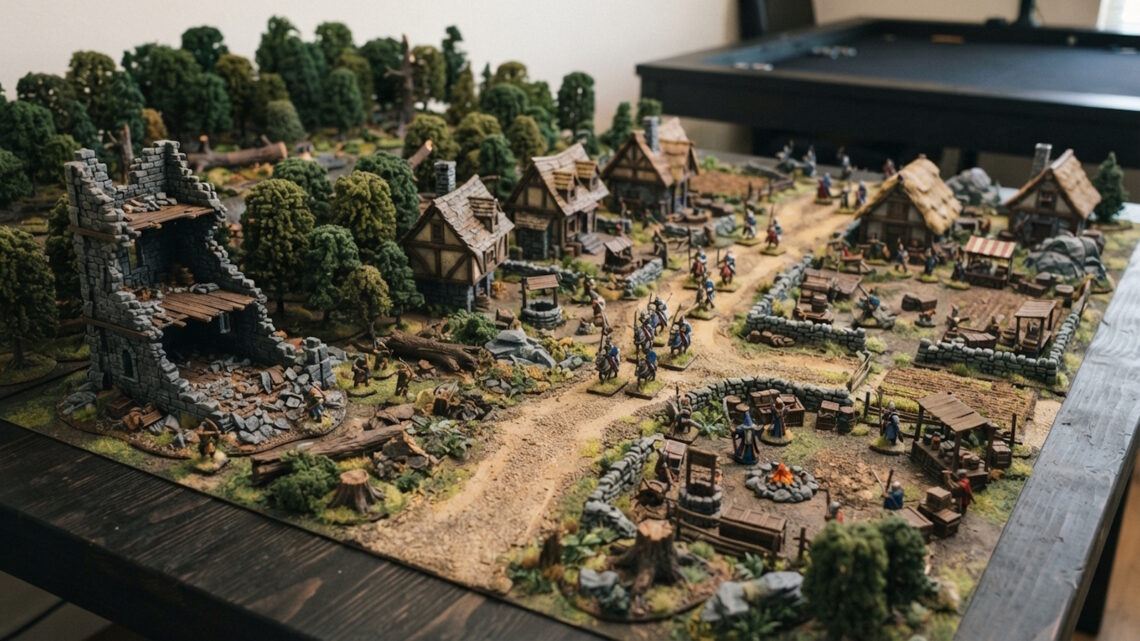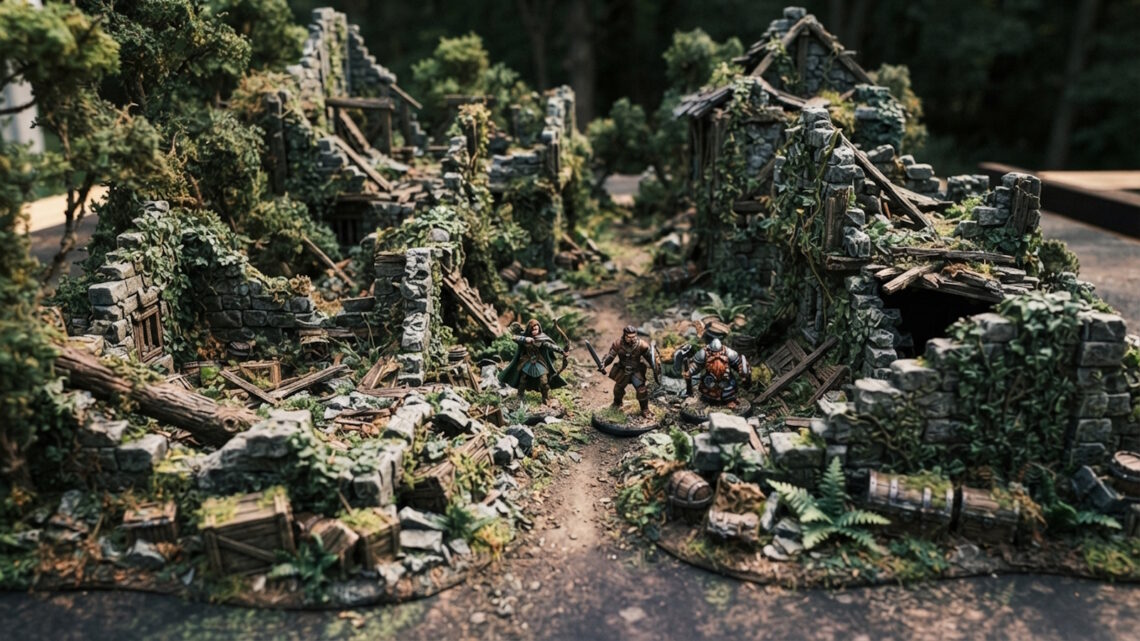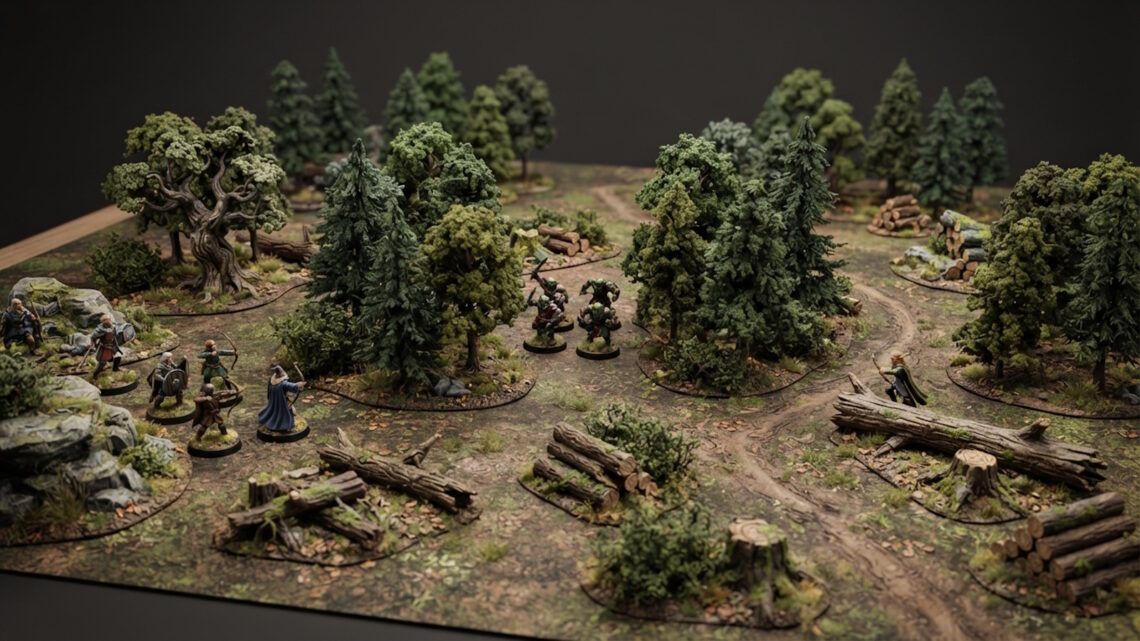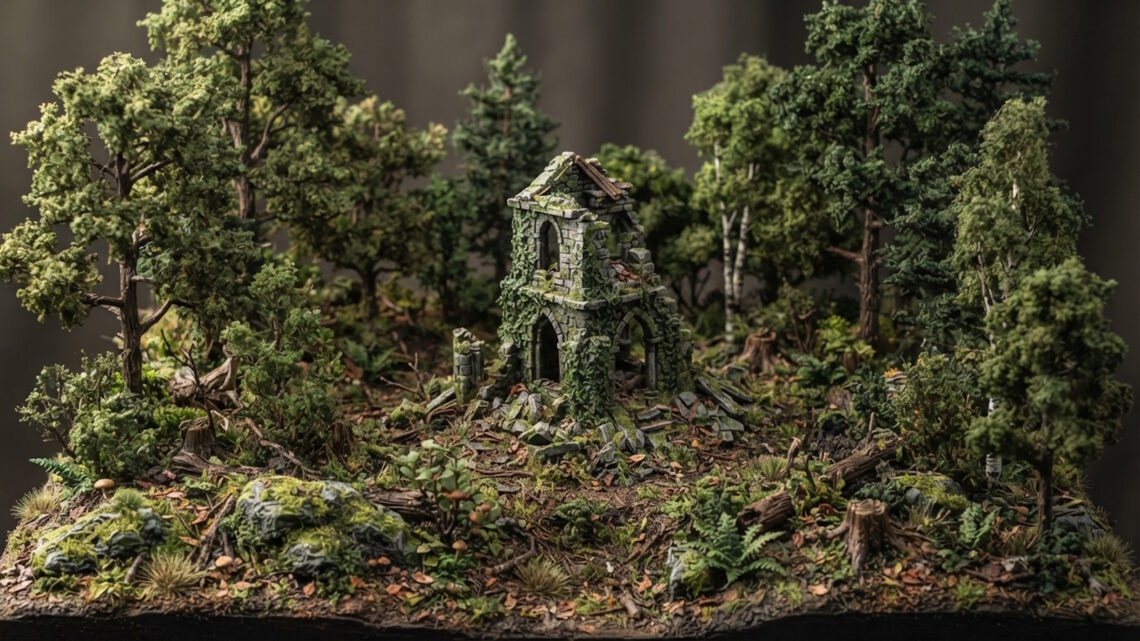
Trees and vegetation can completely change the character of a miniature scene.
They provide height, colour, texture and atmosphere while helping separate different areas of a diorama.
They can also make buildings and terrain feel as though they belong in a natural environment rather than simply sitting on a display base.
Start With the Largest Trees
Large trees are usually the most visually dominant vegetation.
Place them first so you can understand how they affect the overall composition.
Avoid arranging them in a regular pattern.
Groups with irregular spacing tend to look more natural.
Vary Tree Heights
A woodland made entirely from trees of identical height can appear artificial.
Mix taller trees with smaller trees and shrubs.
You can also use stumps and fallen trees to create additional variation.
This gives the viewer different levels to look at.
Use Trees as Frames
Trees can be useful around the edges of a scene.
A pair of larger trees can frame a building or path.
This draws attention towards the central area while making the environment feel more enclosed.
Don’t completely hide important scenery, though.
The best framing often reveals only part of the object.
Add Vegetation Around Buildings
Vegetation is especially useful around structures.
Grass and small plants can soften the transition between walls and ground.
Trees can grow beside abandoned buildings.
Roots can appear around old stonework.
This makes the structure feel integrated into the landscape.
Create Different Density Levels
Real environments don’t have the same amount of vegetation everywhere.
Some areas are dense.
Others contain open ground.
Create clusters rather than distributing vegetation evenly.
A clearing surrounded by dense woodland can be much more visually interesting than a scene where everything has the same density.
Use Fallen Trees
Fallen trees add horizontal shapes to an environment dominated by vertical trunks.
They can also suggest age.
A forest containing standing trees, dead trees, stumps and fallen logs feels more established than one containing only healthy trees.
Place fallen logs in different orientations to avoid repetition.
Combine Natural and Man-Made Features
Vegetation becomes particularly effective when it interacts with structures.
A tree growing beside a ruined wall can suggest abandonment.
A path partially covered with weeds can suggest that it is rarely used.
A small tree beside a cottage can make the building feel more connected to its surroundings.
These interactions are often more important than the individual vegetation pieces themselves.
Consider Colour
Green isn’t one colour.
Even within a fantasy environment, varying shades can add depth.
You can combine darker and lighter greens with earthy browns, muted yellows and stone colours.
The palette should support the environment rather than overwhelm it.
Use Vegetation to Hide Transitions
Terrain pieces sometimes have obvious edges.
Vegetation is a useful way to soften them.
Small plants, grass, rocks and other ground details can make separate pieces appear to merge into one environment.
This is especially useful around buildings and larger terrain features.
Don’t Cover Everything
Too much vegetation can make a scene difficult to read.
Important buildings and focal points should remain visible.
Open ground provides contrast and gives dense vegetation greater impact.
Think about where you want the viewer to look before adding more scenery.
Trees and vegetation are therefore more than decoration.
They are structural elements that control height, depth, colour and atmosphere.
Use varied sizes, irregular groupings and different levels of density, and allow the vegetation to interact naturally with buildings, paths and other terrain.
The result will feel much more like a miniature environment than a collection of separate models.