A miniature scene can contain excellent terrain and still feel visually flat.
Atmosphere comes from the relationship between the scenery, colours, lighting and composition.
A woodland can feel peaceful, mysterious or threatening depending on how it is presented.
A ruined building can feel abandoned, ancient or dramatic without changing the actual terrain.
Start With the Setting
Think about the mood you want before choosing the scenery.
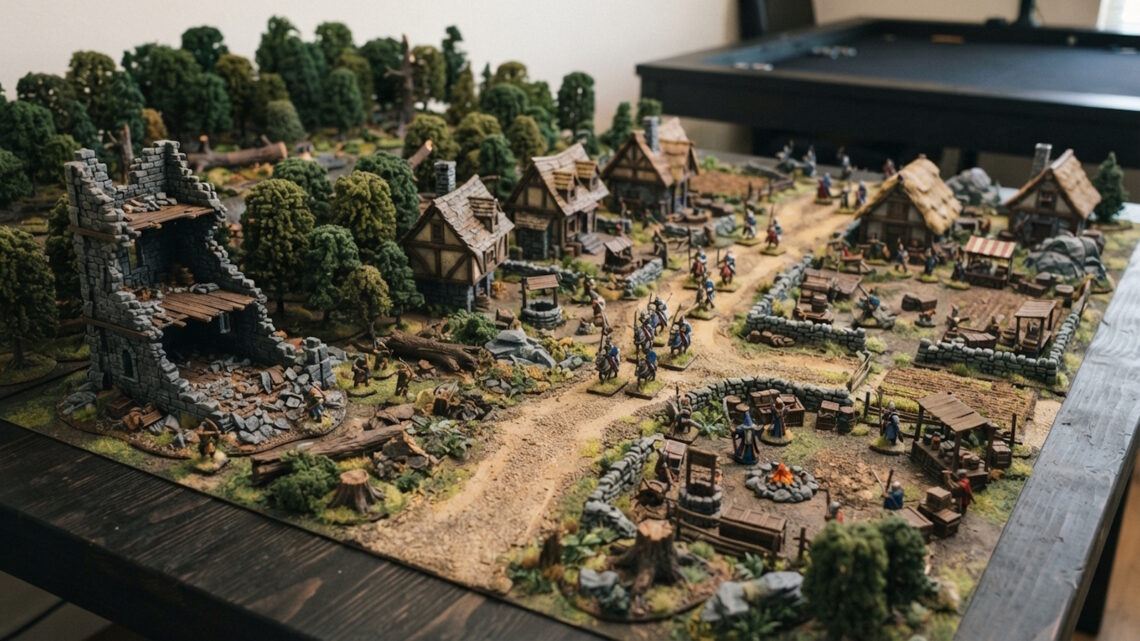
A peaceful village might use softer colours and open spaces.
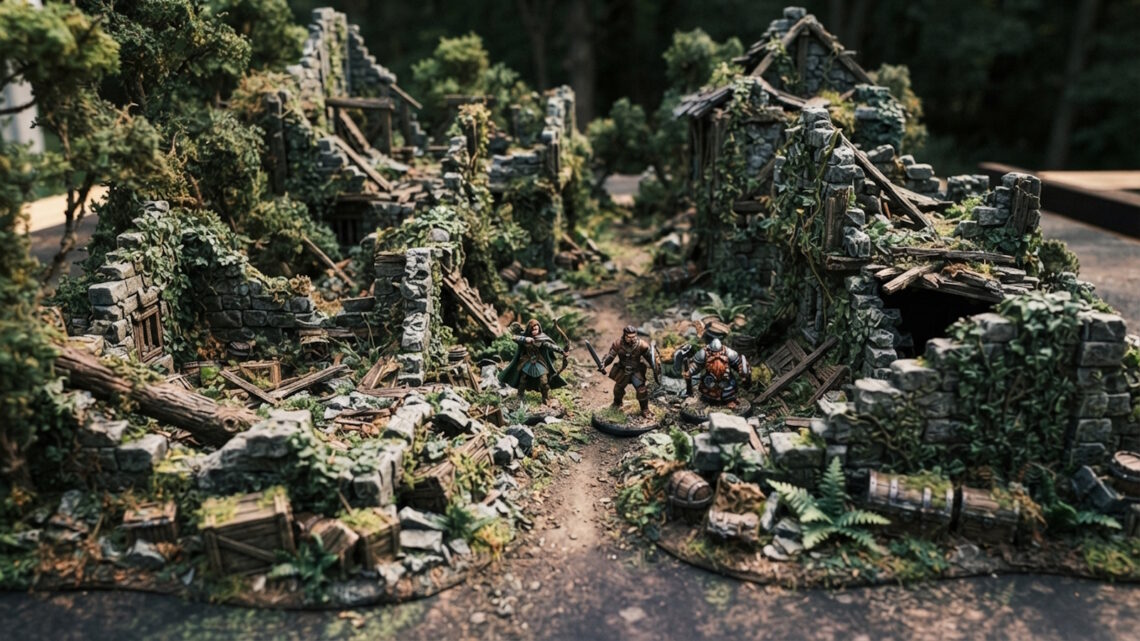
An abandoned ruin could use darker tones, dense vegetation and broken terrain.
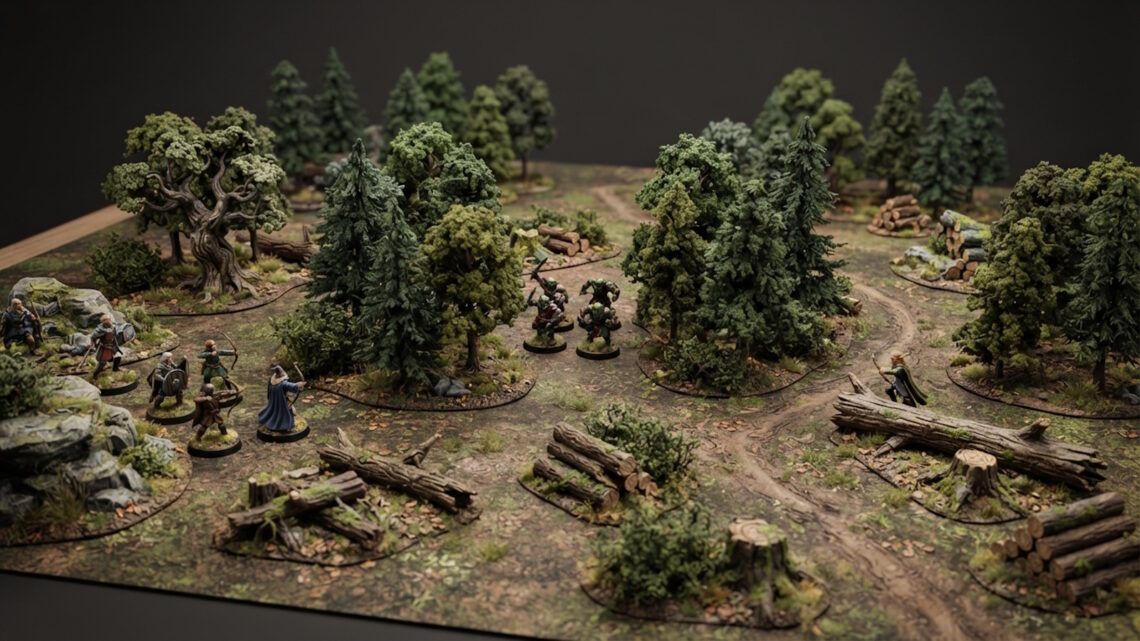
A mysterious forest might rely on tall trees, narrow paths and limited visibility.
The setting guides the rest of the decisions.
Choose a Focal Point
A strong scene usually has somewhere for the viewer to look first.
This could be a building, ruin, tree or other distinctive terrain feature.
Arrange surrounding scenery so it supports the focal point.
Trees can frame it.
Paths can lead towards it.
Rocks and smaller props can create visual transitions.
Use Colour to Set the Mood
Colour has a major effect on atmosphere.
Warm colours can make a scene feel welcoming.
Cooler or muted colours can create a more subdued mood.
You don’t need to repaint every piece.
The overall palette is often enough.
Create Contrast
Contrast makes important areas stand out.
A darker forest around a lighter building can draw attention to the structure.
A bright path through darker vegetation can become a visual route.
Contrast can come from colour, lighting, height or texture.
Use Lighting
Lighting is particularly important if you are photographing the finished miniature.
A directional light creates shadows that reveal texture.
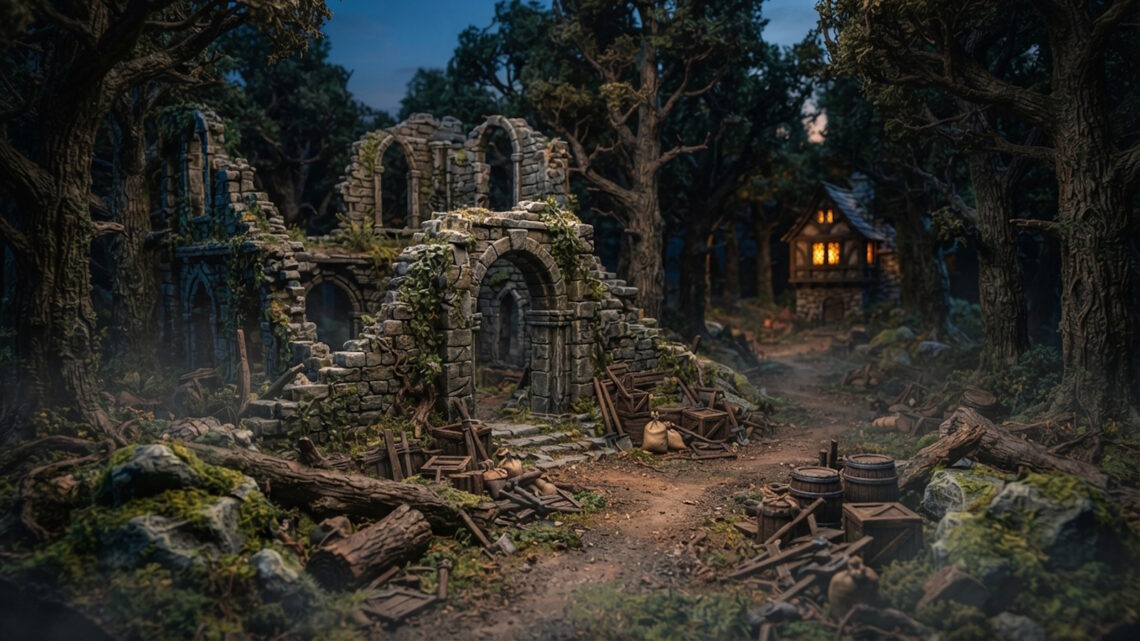
Lower-angle lighting can make ruins and trees more dramatic.
Softer lighting can create a calmer atmosphere.
Experiment with the direction and height of the light source.
Add Depth
Atmospheric scenes benefit from depth.
Use foreground scenery to frame the image.
Place the main feature in the middle ground.
Use simpler terrain in the background.
Trees and buildings can partially overlap to make the scene feel larger.
Use Vegetation
Vegetation can completely change the mood.
Dense vegetation can make a scene feel enclosed.
Sparse vegetation can create a more open environment.
Overgrown plants around ruins can suggest age and abandonment.
Add Environmental Details
Small details can reinforce the atmosphere.
Fallen logs can suggest an old forest.
Scattered crates can suggest an abandoned settlement.
Rubble can indicate a damaged building.
A narrow path can create mystery by disappearing behind scenery.
These objects don’t need to be dramatic.
Their purpose is to support the environment.
Don’t Overcrowd the Scene
Atmosphere often depends on restraint.
Leaving some areas relatively empty gives the viewer space to appreciate the important details.
If everything is equally busy, the scene can lose its sense of mood.
Consider the Camera Angle
The viewing angle changes the apparent scale.
A low angle can make trees and buildings appear much larger.
A higher viewpoint shows more of the overall composition.
Try several angles before photographing the final scene.
Make the Scene Feel Larger Than It Is
One of the best tricks is suggesting that the environment continues beyond the display.
A road can disappear behind a building.
Trees can extend towards the edges.
A ruined wall can continue outside the frame.
This gives the viewer the impression of a much larger world.
Creating atmosphere isn’t about adding the maximum amount of detail.
It is about choosing the right combination of terrain, colour, lighting and composition.
Build the scene around a clear setting and focal point, introduce depth and variation, then use lighting and small environmental details to reinforce the mood.
The result can be much more than a collection of miniature models.
It can feel like a glimpse into another world.